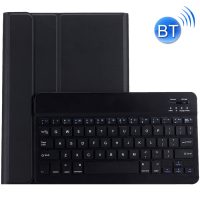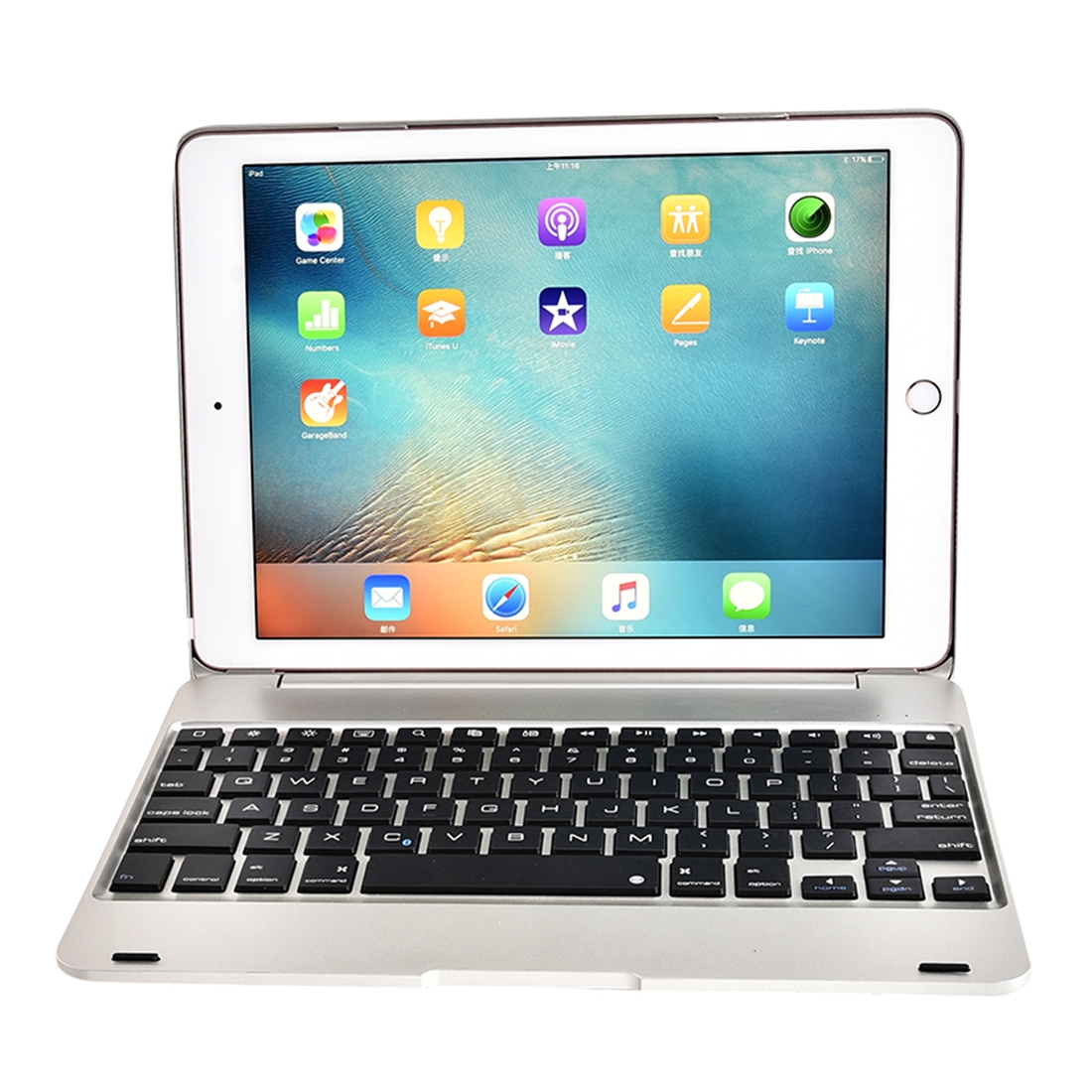
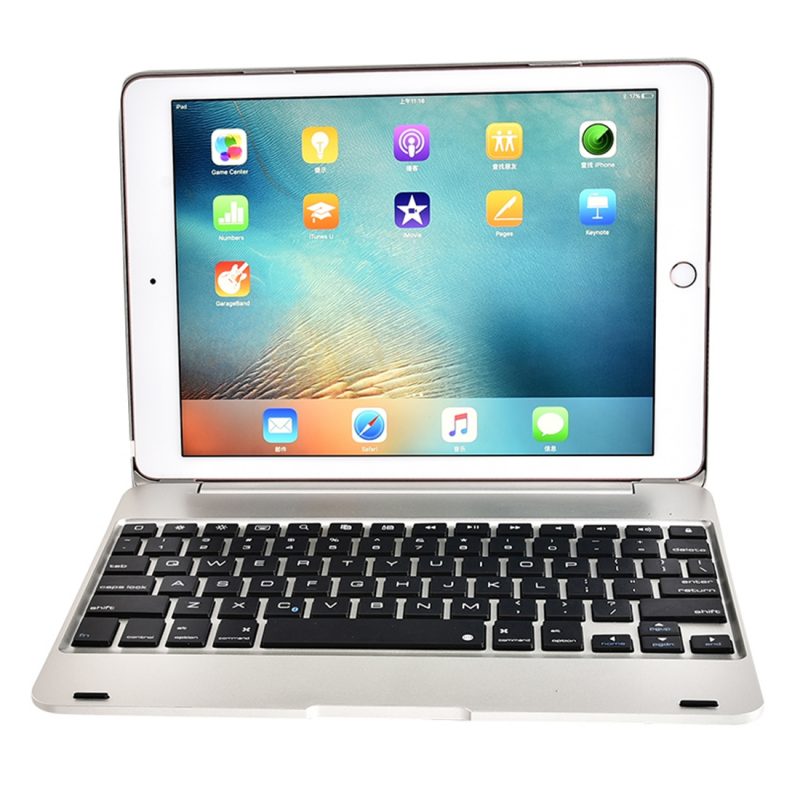
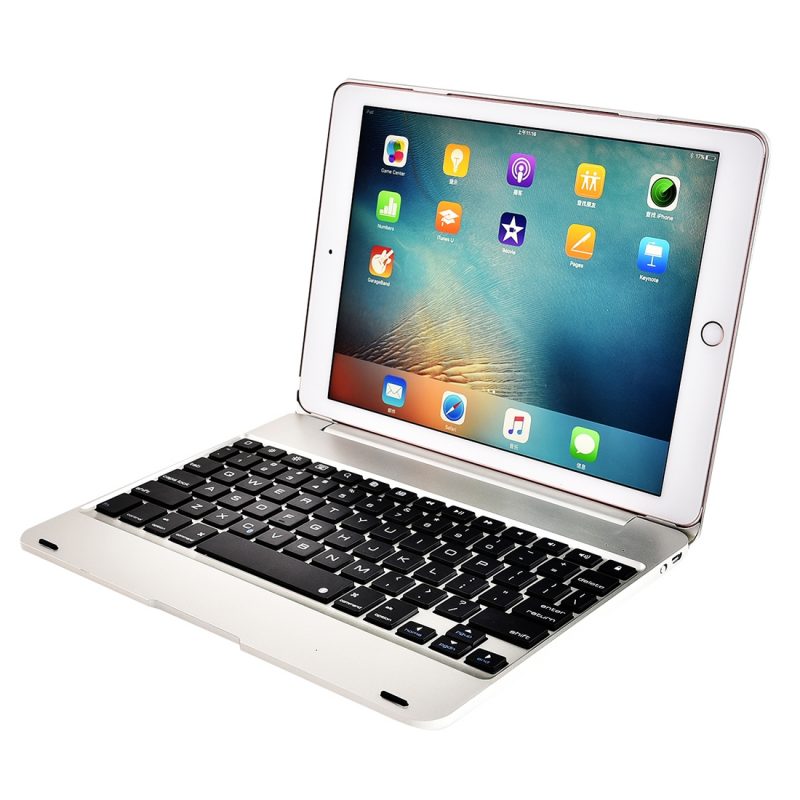
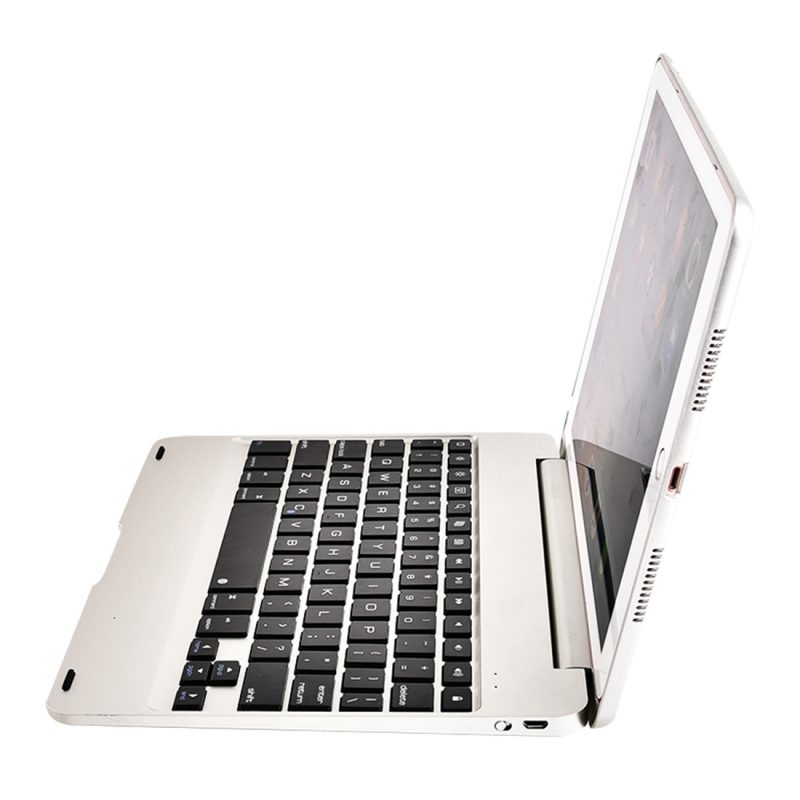
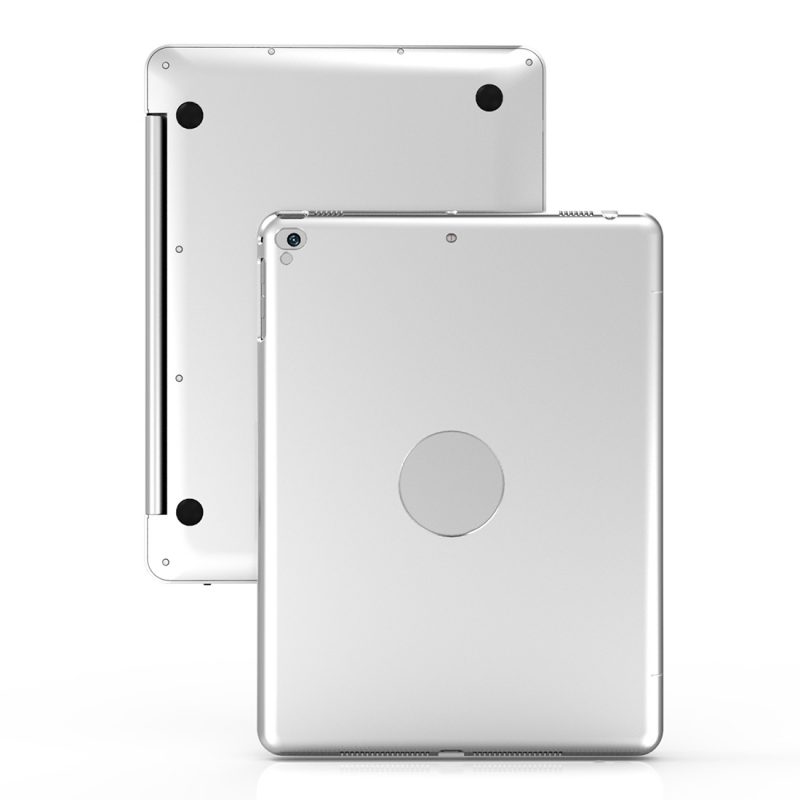
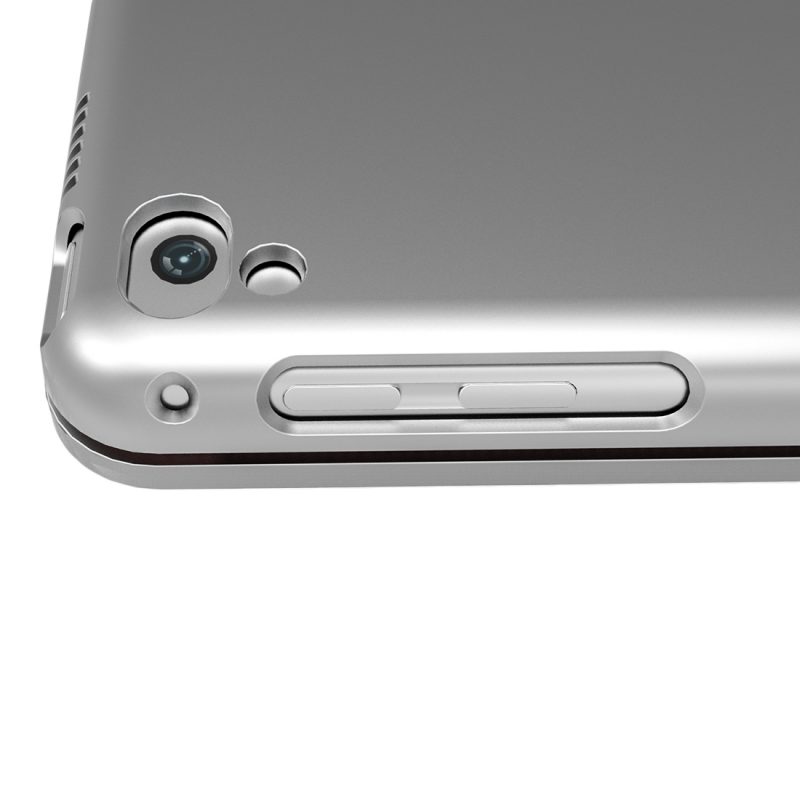

The wireless bluetooth keyboard in laptop style enables faster typing and use of selected keyboard shortcuts like on a notebook. It is made of lightweight yet durable plastic, featuring a cutout for the Apple logo on the top. The keyboard is paired with the iPad via bluetooth and types Czech QWERTZ characters (if you have set Czech on your Apple tablet). The bluetooth keyboard has a built-in battery that lasts up to 50 hours of continuous typing on a single charge, so if you use it for a couple of hours each day, it will easily last a month on a full charge.
WHY THE WIRELESS KEYBOARD IS EXCELLENT
Classic design is suitable for work and home use
The keyboard communicates via bluetooth
Lasting bluetooth keyboard up to 50 hours on a single charge
If you have your iPad set to Czech, it types Czech characters (including diacritics)
Allows the use of keyboard shortcuts like on a PC
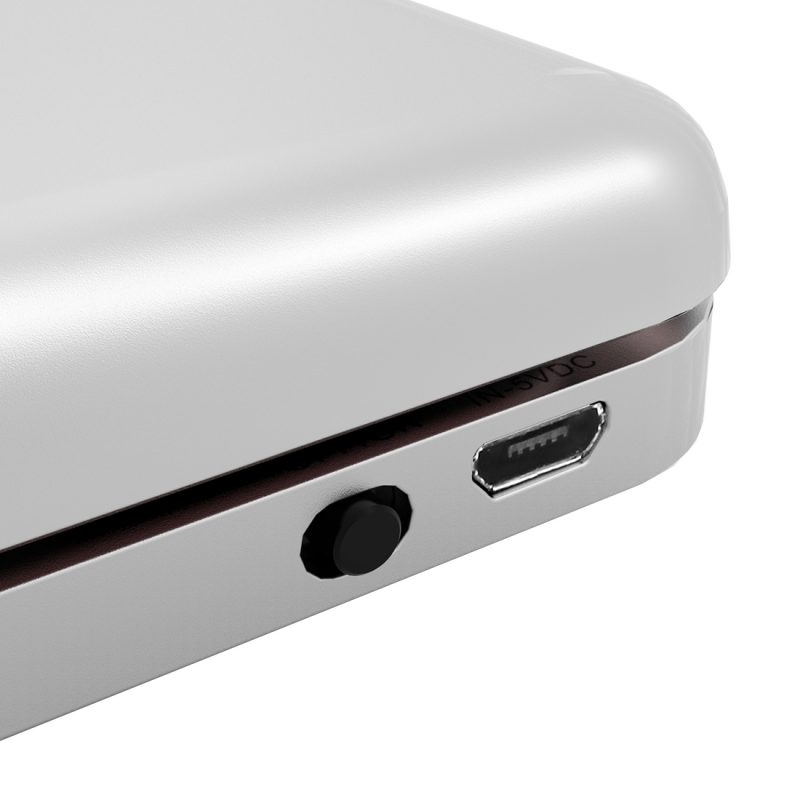
The bluetooth keyboard is part of a durable plastic cover that also protects the Apple tablet from scratches and in case of falls. The keyboard has a key for quick locking/unlocking the device, and charging is done via a micro USB cable that is included in the package.
The bluetooth keyboard is suitable for: iPad AIR, iPad AIR 2, iPad PRO 9.7" (2016), iPad 9.7" (2017) and iPad 9.7" (2018)
Instructions for pairing the device via Bluetooth
1) Turn on the Bluetooth control on the keyboard to the ON position. The light indicator will light up for 3 seconds.
2) Press Fn+C to enter pairing mode. The bluetooth indicator will start blinking.
3) Turn on and unlock your iPad, click on the Settings icon.
4) In Settings, select the Bluetooth menu. Activate the Bluetooth connection option.
5) The iPad will find the keyboard. It will appear in the My Devices list as "Bluetooth Keyboard ***". Clicking will automatically connect the keyboard.
6) After successful connection, the bluetooth indicator will stop blinking and in the list of bluetooth devices on the iPad, "Connected" will appear.